
Delete a Query
To keep your Loyalty instance uncluttered, the best practice recommendation is to delete unneeded or test Queries. The deletion process is permanent and irrevocable; you can’t later restore a deleted Query.
To delete an Analytics Query:
-
Select Analytics from the top navigation bar, then select Settings > Queries from the side navigation menu. The Analytics Queries screen is displayed.
-
Optionally, search for and select the desired Query (see
-
Within the header area, click the Edit icon. The Edit Bigdata Query pop-up window is displayed.
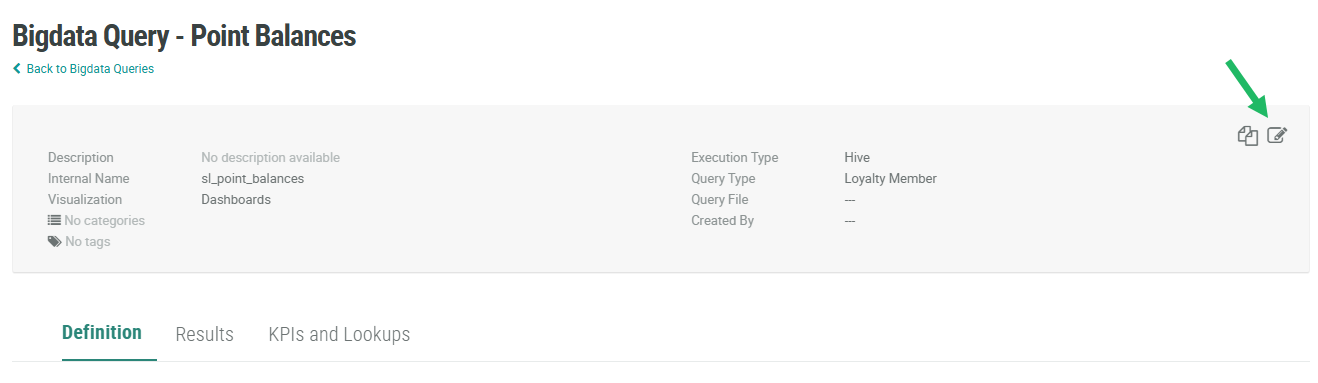
-
Click Delete. A confirmation dialog box is displayed; click Confirm.
